ReleasesDownload
v0.1.4·
Gaze 0.1.4
Gaze.dmg
96 MB · macOS
What's new
Updates
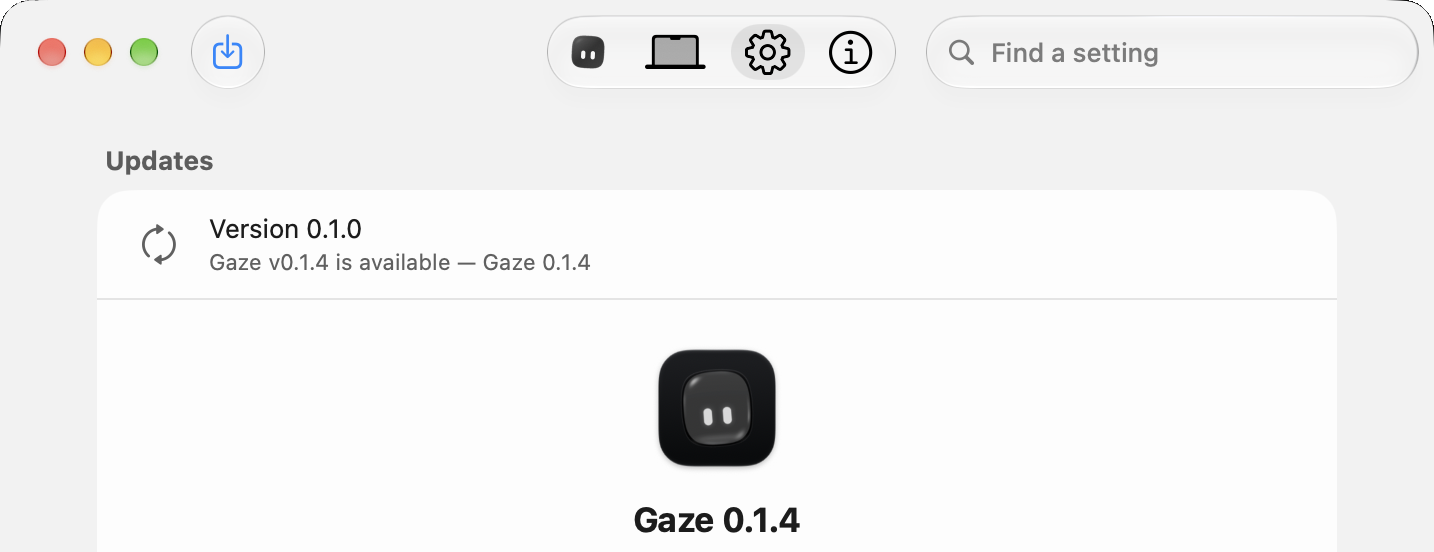
- New versions show up in Settings with their notes and pictures, and install with one click.
- A notification tells you when an update is ready, and a button appears beside the window controls.
- Updates is now the first section in General.
Setup
- The face scan goes around twice, like Face ID.
- Centring your face is much easier.
Install
Download Gaze.dmg and drag Gaze to Applications, update from Gaze Settings, or run:
brew upgrade --cask gaze
The first time you open Gaze, go to System Settings > Privacy & Security and click Open Anyway.