ReleasesDownload
v0.1.12·
Gaze 0.1.12
Gaze.dmg
96 MB · macOS
What's new
Lock screen
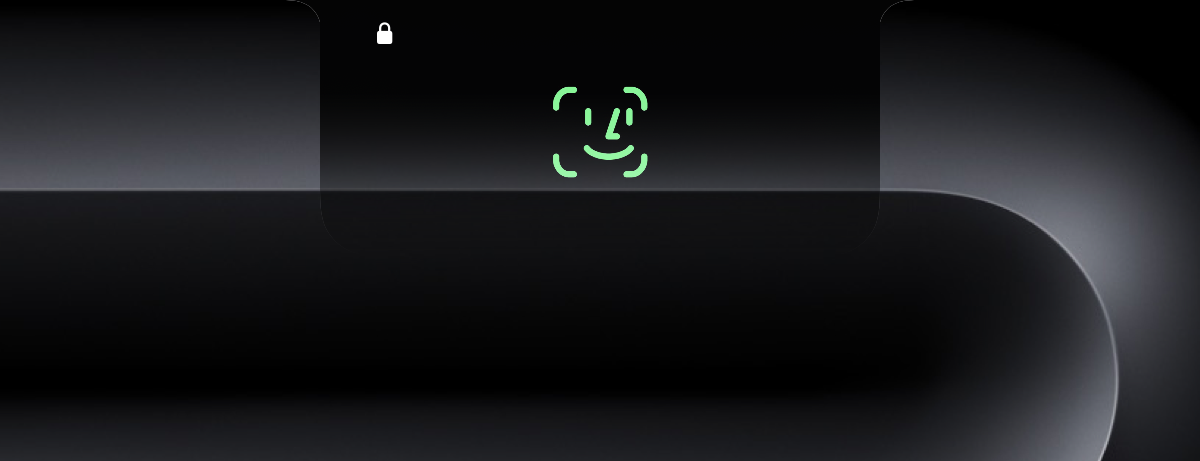
- A new unlock animation: the Face ID mark scans, swirls and ticks under the notch, in blue or green. It's on by default. Turn it off in Settings, Notch to bring back the drawn face.
- When Gaze asks you to turn, nod or blink, the mark shows the movement.
- App Lock uses the same animation.
- The Liquid Glass panel shows your wallpaper through it, instead of a flat grey.
- The mark no longer jumps when a caption appears.
Unlocking
- A frame the photo check has doubts about never counts toward unlocking.
- Follow the light moves on faster after each tick.
Other
- Share status with other apps: apps like DynamicLake can show when Gaze is scanning or unlocking. It's off until you turn it on in Settings, General. It never shares your face or password.
- Turning on sudo approval says what went wrong if it fails, instead of switching itself back off.
- Unlock Attempts shows when the Mac was left locked, separately from failed attempts.
- Notices about someone else trying to unlock your Mac no longer show a grey photo that never loads.
- Updates check for free disk space first, and clean up after themselves if they fail.
Thanks
- Benteltje, for the new unlock animation.
Install
Download Gaze.dmg and drag Gaze to Applications, update from Gaze Settings, or run:
brew upgrade --cask gaze
The first time you open Gaze, go to System Settings > Privacy & Security and click Open Anyway.