ReleasesDownload
v0.1·
Gaze 0.1
Gaze.dmg
95 MB · macOS
What's new
Unlock with your face
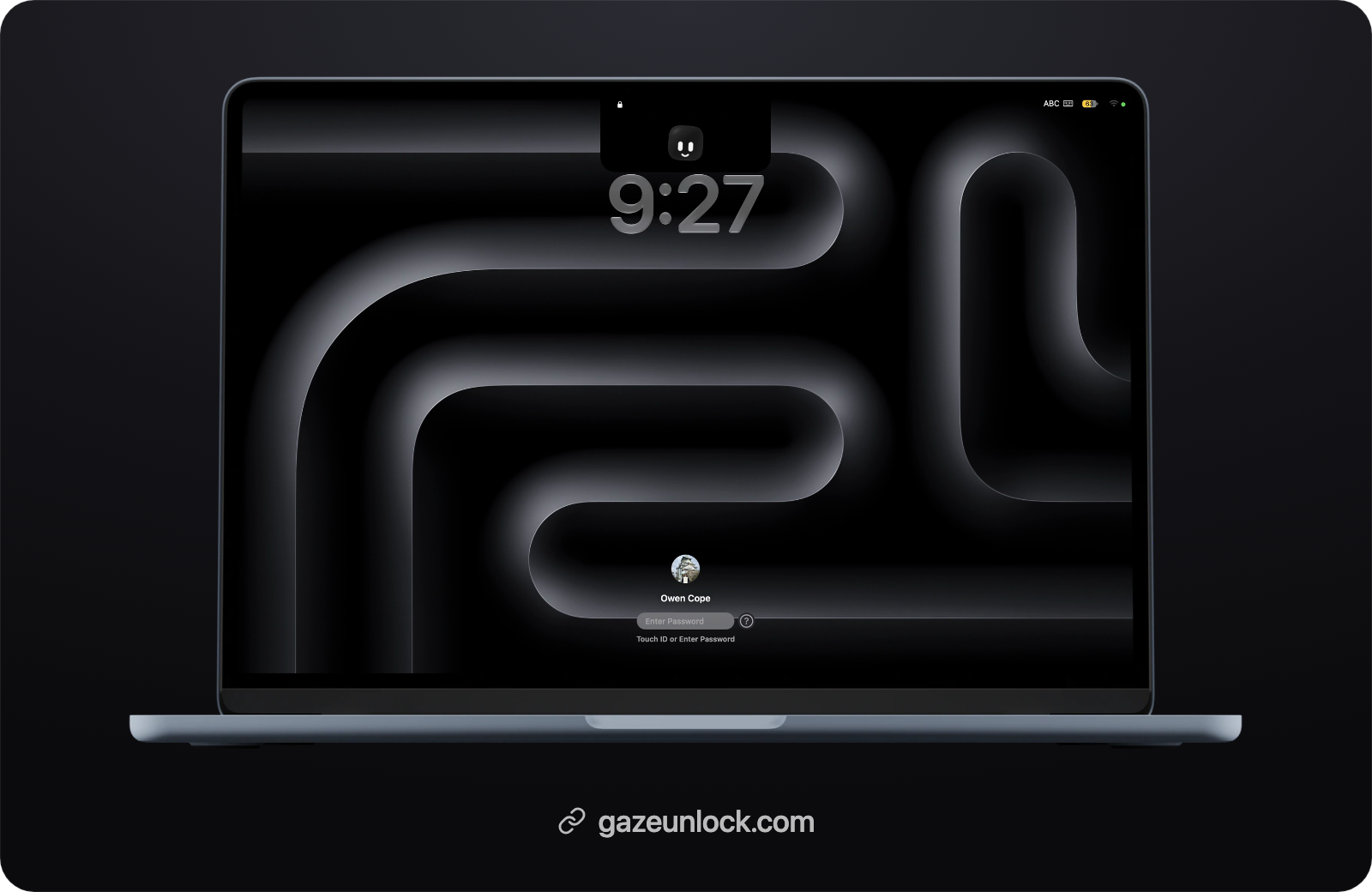
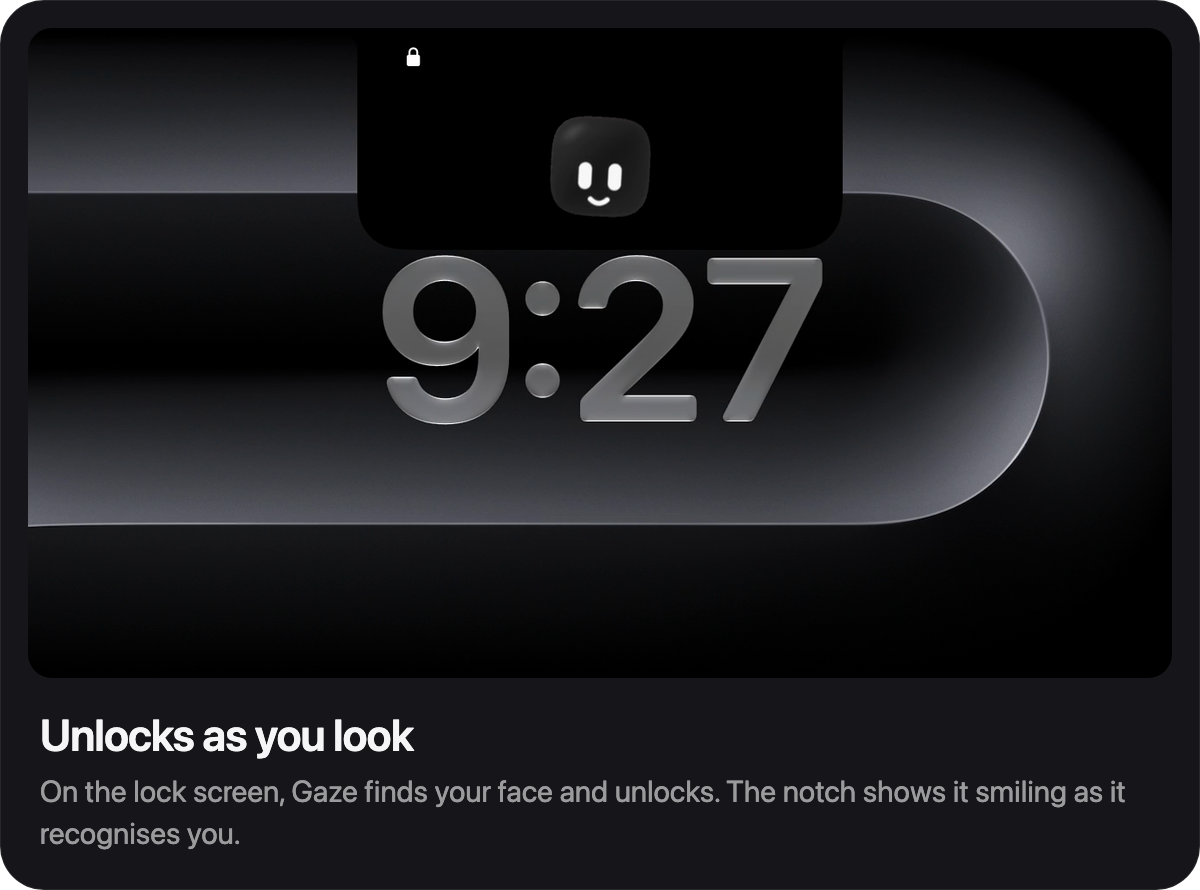
- When your Mac locks, Gaze turns on the camera, recognises you and enters your password for you.
- Recognition runs on-device with a Core ML ArcFace model, and matching needs several of your saved face angles to agree.
- Works when other people are in view: Gaze follows the face that matches and ignores the rest.
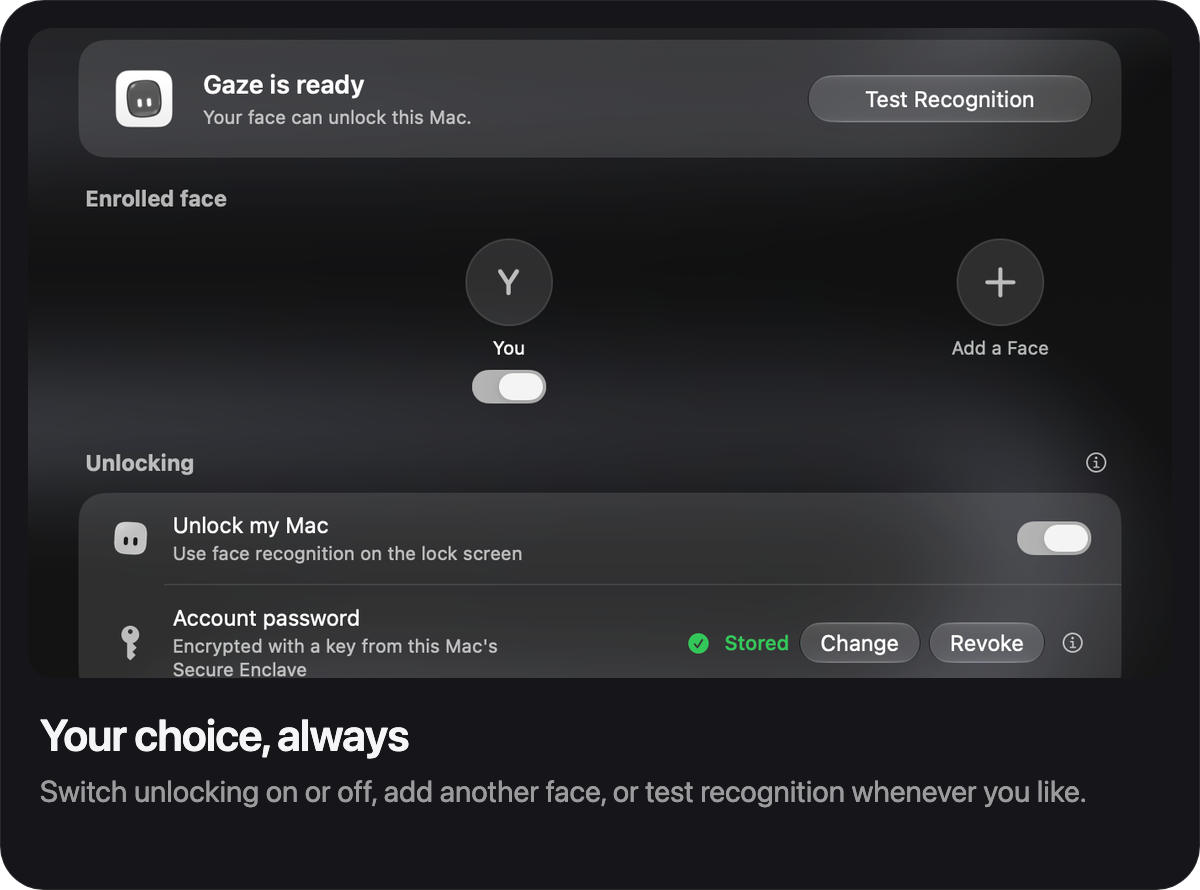
- Up to five faces, each with its own name and photo, and each can be switched off.
- Test Recognition shows your live match score, with a label on every face in view.
Hard to fool
- Rejects photos, phones and screens held up to the camera.
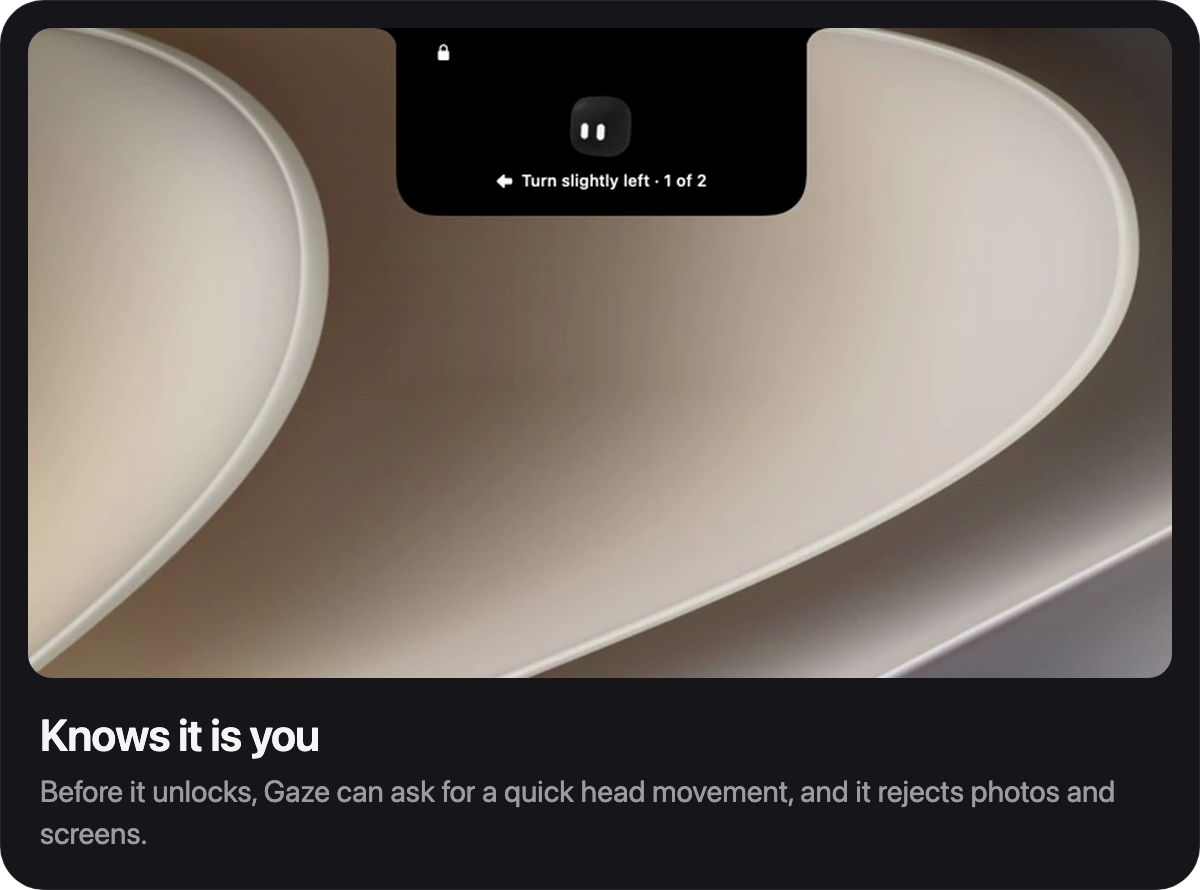
- Asks for a quick head movement before it unlocks. Choose one or two movements in Settings.
- Only trusts the camera you enrolled with.
- After six failed attempts Gaze turns itself off until you enter your password.
Private by design
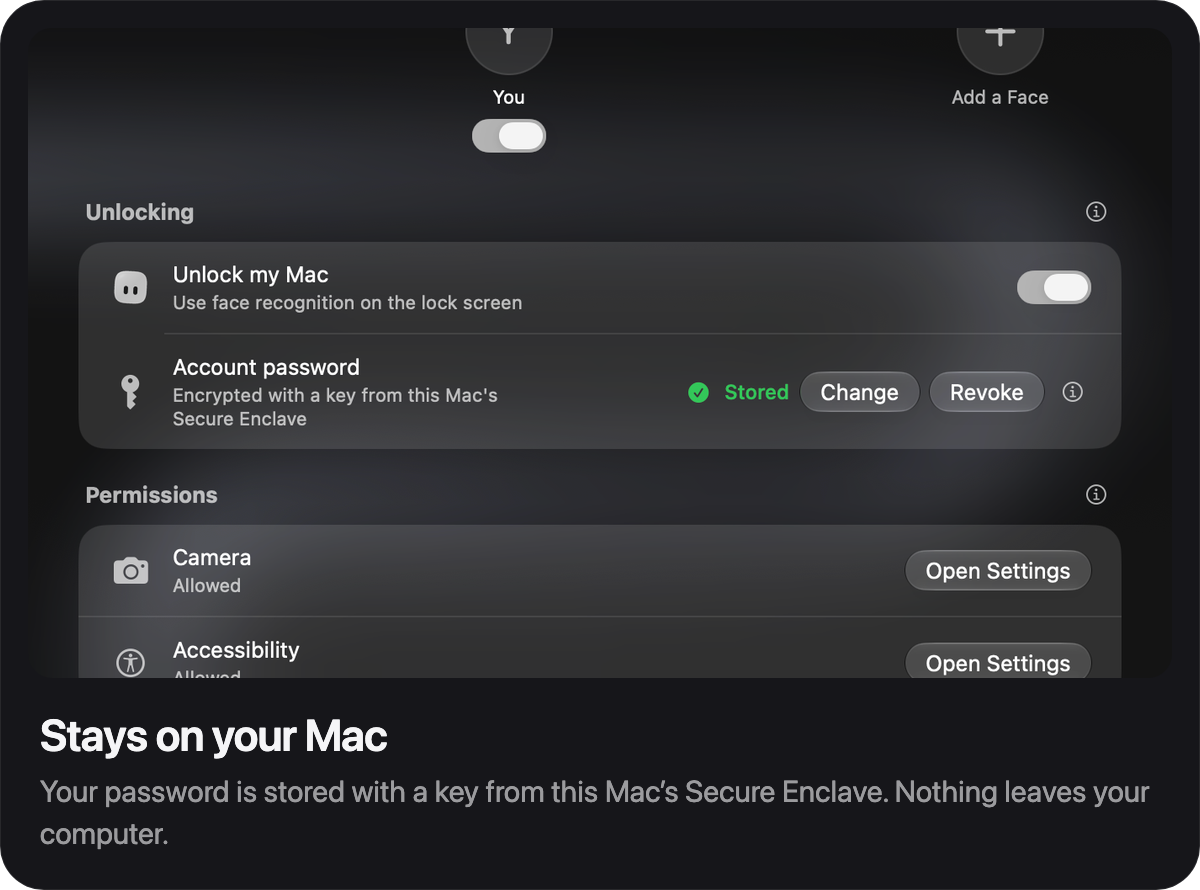
- Face data is stored as encrypted numbers, never photos, and your password is protected by a key from this Mac's Secure Enclave.
- Nothing is uploaded or synced. There's no account.
- Your Mac password and Touch ID always work, and unlocking can be turned off at any time.
In your notch
- A live panel under the notch shows Gaze scanning, asking for a movement, and unlocking.
- Four layouts: Connected, Floating, Dynamic Island and Beside the camera, with optional captions.
- Normal, Semi Liquid Glass and Liquid Glass styles.
More
- Lock when I walk away locks your Mac when you leave.
- A welcome tour, guided face setup and a movement guide you can replay any time.
- Settings with search, light and dark themes, and Semi Liquid Glass.
- Open at login, optional password before quitting, and update checks from gazeunlock.com.
- Runs on Apple silicon and Intel Macs.
Install
Download Gaze.dmg below, open it and drag Gaze to Applications. Or install with Homebrew:
brew install --cask owencope/gaze/gaze
Gaze isn't notarized by Apple yet, so the first time you open it macOS will stop it. Go to System Settings, then Privacy & Security, and click Open Anyway. Homebrew does this step for you.
Requirements
macOS 26 Tahoe or later, on Apple silicon or an Intel Mac, with a built-in or connected camera.
Thanks
Gaze is a first release, and it wouldn't exist without these people.
- Harsh Vardhan Goswami, creator of TheBoringNotch, for the GPT-6 Astra API key that powered much of Gaze's development.
- Vanilla, for the anti-spoofing research and the faster, stricter recognition in this release.
- Unxnown, for setting up the Discord where early builds and feedback came together.
- DanFQ, of Atoll, for app ideas and thoughtful feedback throughout.
- nautey, for community moderation and testing on macOS betas.
- cshariq and Sapphire, for the Core ML build of the recognition model.
- deepinsight, for the InsightFace ArcFace model.
- Jonathan Zhou, whose Glance inspired the Dynamic Island panel.
- Aviorrok, whose DynamicLake inspired the notch panel and Settings layout.
- Ram Patra, for TourKit, used for the welcome tour.
Gaze also builds on open work from others:
- Atoll by Ebullioscopic, which informed how the Dynamic Island expands.
- SkyLightWindow by Lakr233, the approach Gaze uses to show its panel on the lock screen.
- The Face Spoof Detection dataset on Roboflow (CC BY 4.0), used to train Gaze's photo and screen detection.
And to everyone in the Discord who tested early builds. See the full credits.